Say it.
It’s done.
A personal AI agent you talk to. Say what you want and it’s done in the apps you already use, hands free.
The apps you already open a hundred times a day.
 Calendar
 Gmail
Gmail Outlook
- And more


A voice for the apps you already use.
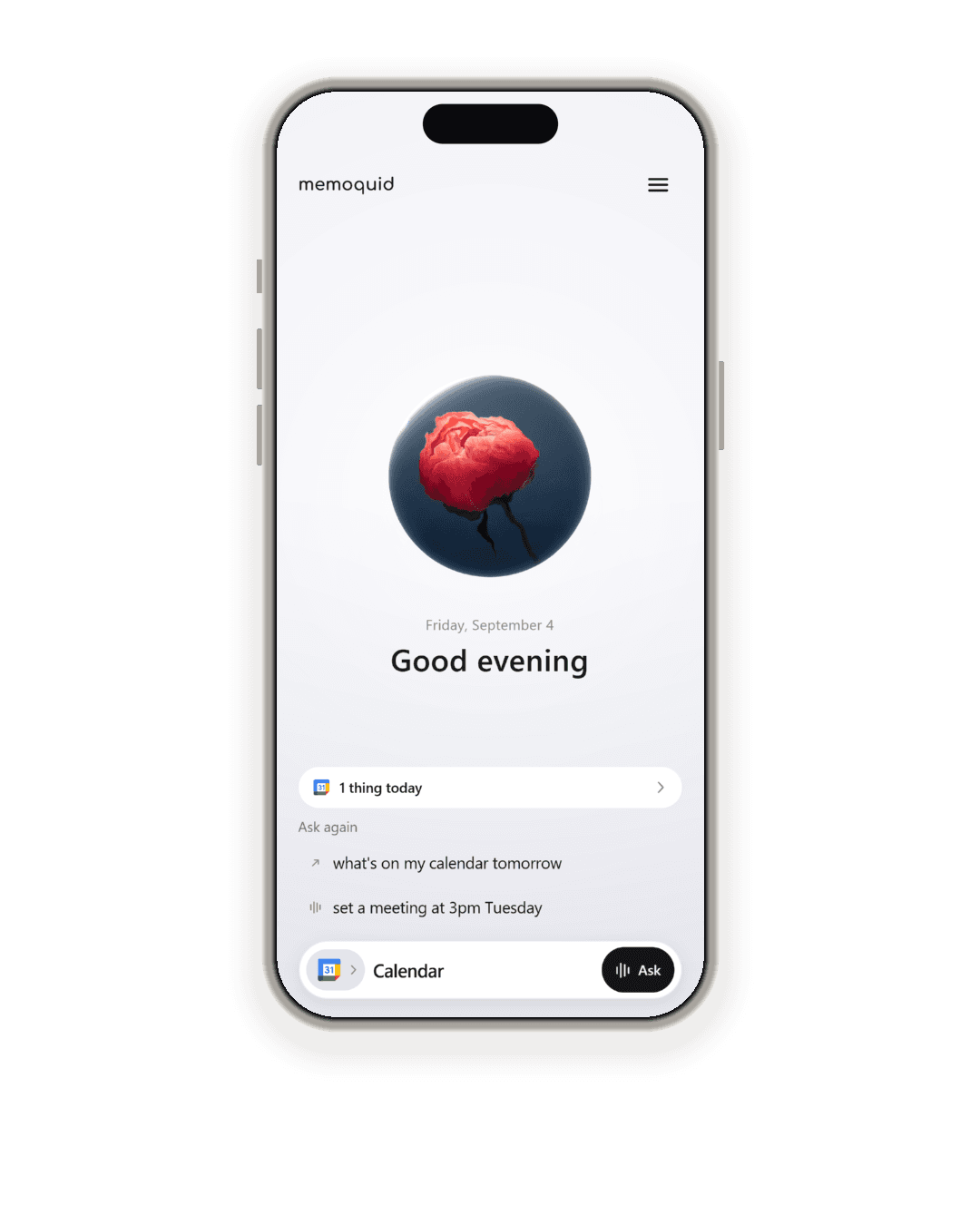
What’s on tomorrow. Anything from Priya. Tell the team I’m on my way. Play something quiet. Andromeda listens for a wake word, asks the app, and says the answer, and she asks before she changes anything.
How it works.
Set up once, then talk. One wake word to get her attention, and a plain sentence for the rest.
Connect an app
Your mail, your calendar, Slack, Notion, Spotify. Pick one, once.
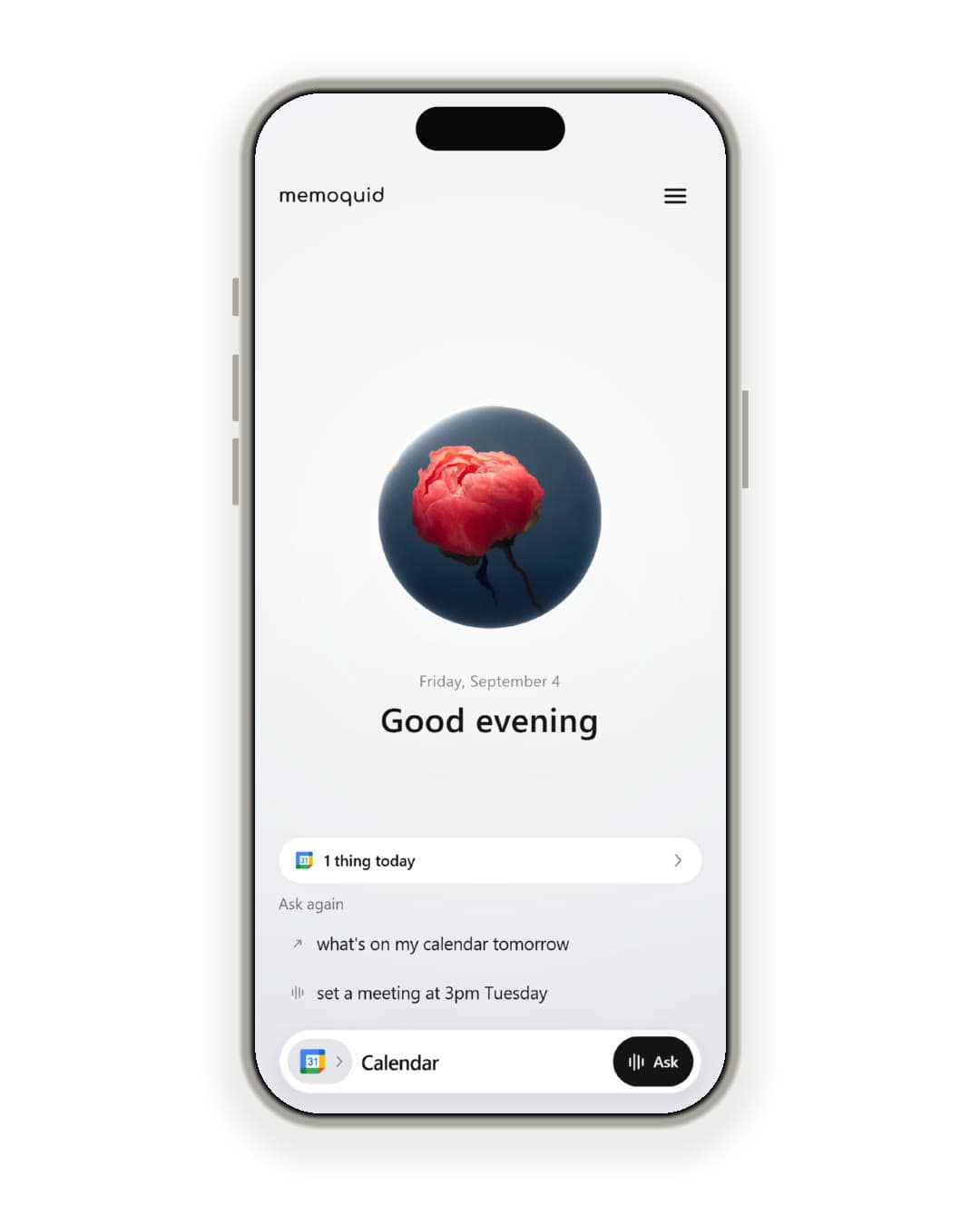
Say the wake word
She listens on your phone, not in the cloud.
Ask, or tell
Reads are instant. Writes are confirmed first.
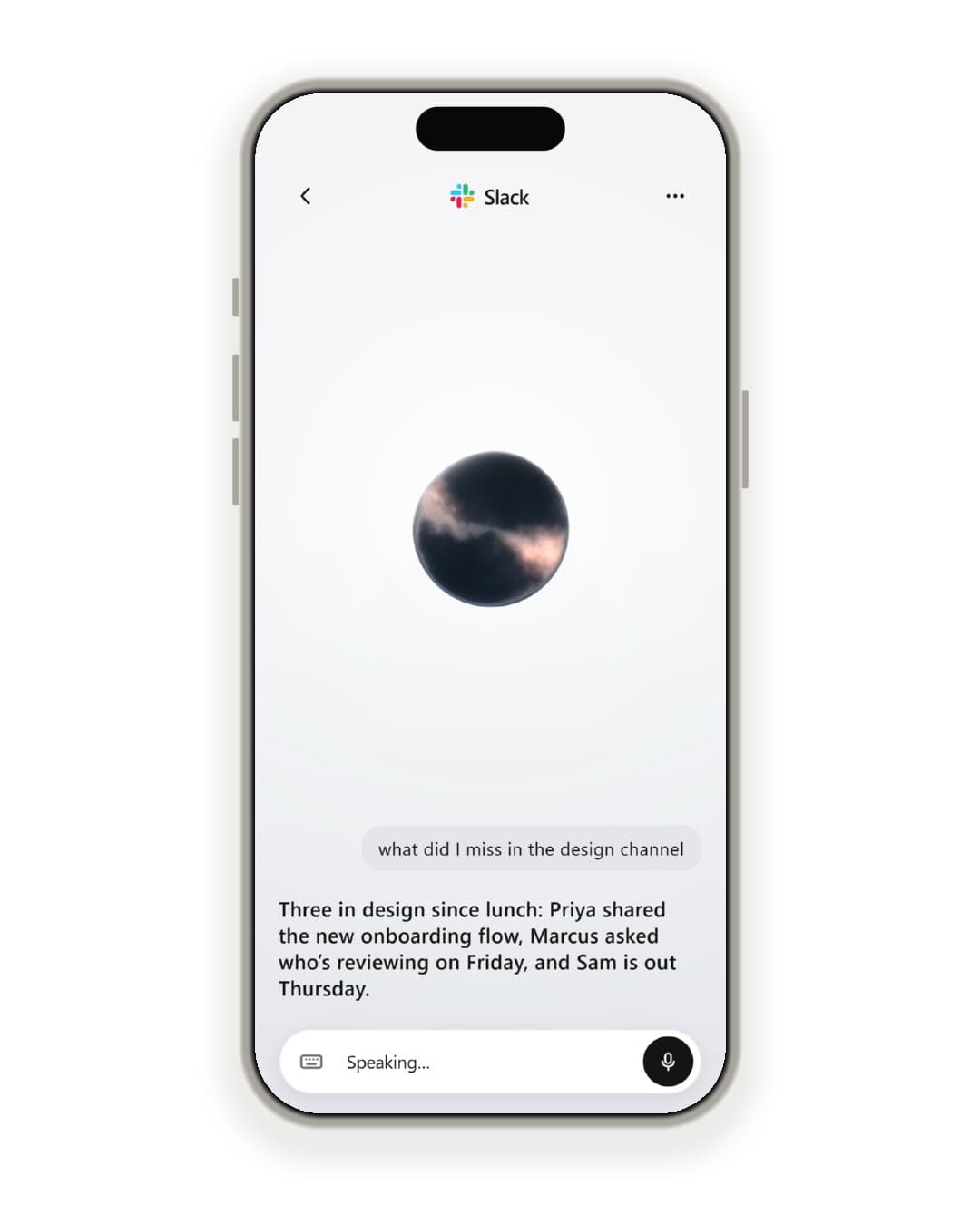
Or get Andromeda’s attention byTapping the orbTyping it
Everything, one sentence away.
What’s on tomorrow.
Calendar or Outlook: the day read back with the weekday and the date, never “next Wednesday”. A day’s schedule reads in full, not “and two more”.
- Your day: What’s on tomorrow. Calendar or Outlook: the day read back with the weekday and the date, never “next Wednesday”. A day’s schedule reads in full, not “and two more”.
- The web: What’s the news today? She looks it up and answers in a sentence or two, naming where it came from. The news, the weather tonight, last night’s score: no app to connect first.
- Any website: Add AA batteries to my Amazon cart. For a site with no app here, she opens it and works it: searching, choosing, filling things in. She never types a password or a card number, and stops at the button that pays until you say yes.
- Two at once: Move my 3 PM and email Sarah I’m late. One request, one question that names both: the new time, who the email goes to and exactly what it says. Say yes and she does them in order, and if one can’t be done, she tells you what already happened.
- Your taste: Find me some running shoes. She remembers what you have said you like, so the answer leans your way. It is encrypted to you, never shown to anyone, and “forget that” removes it.
- Move it: Move my three to four. She names both times before she touches anything, and the change waits for your yes. A correction is still a write.
- Your mail: Anything from Priya? Gmail or Outlook: who, what, and how many. A few words of subject, never a whole message read aloud, and long answers trimmed to what fits in a breath.
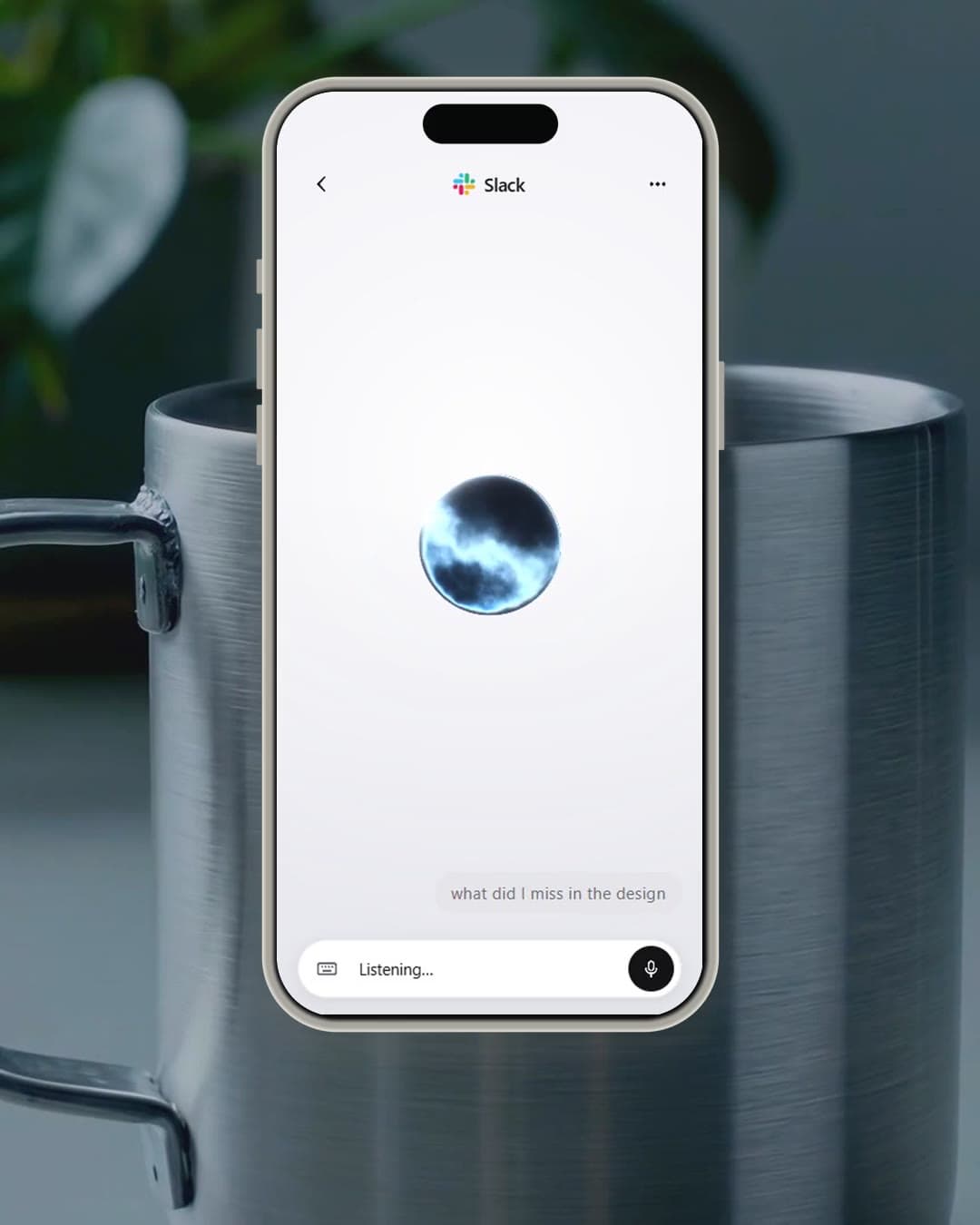
- Your team: Tell the team I’m on my way. Slack, Teams, Discord: hear what you missed in a channel since you looked, and send a line back without touching a keyboard.
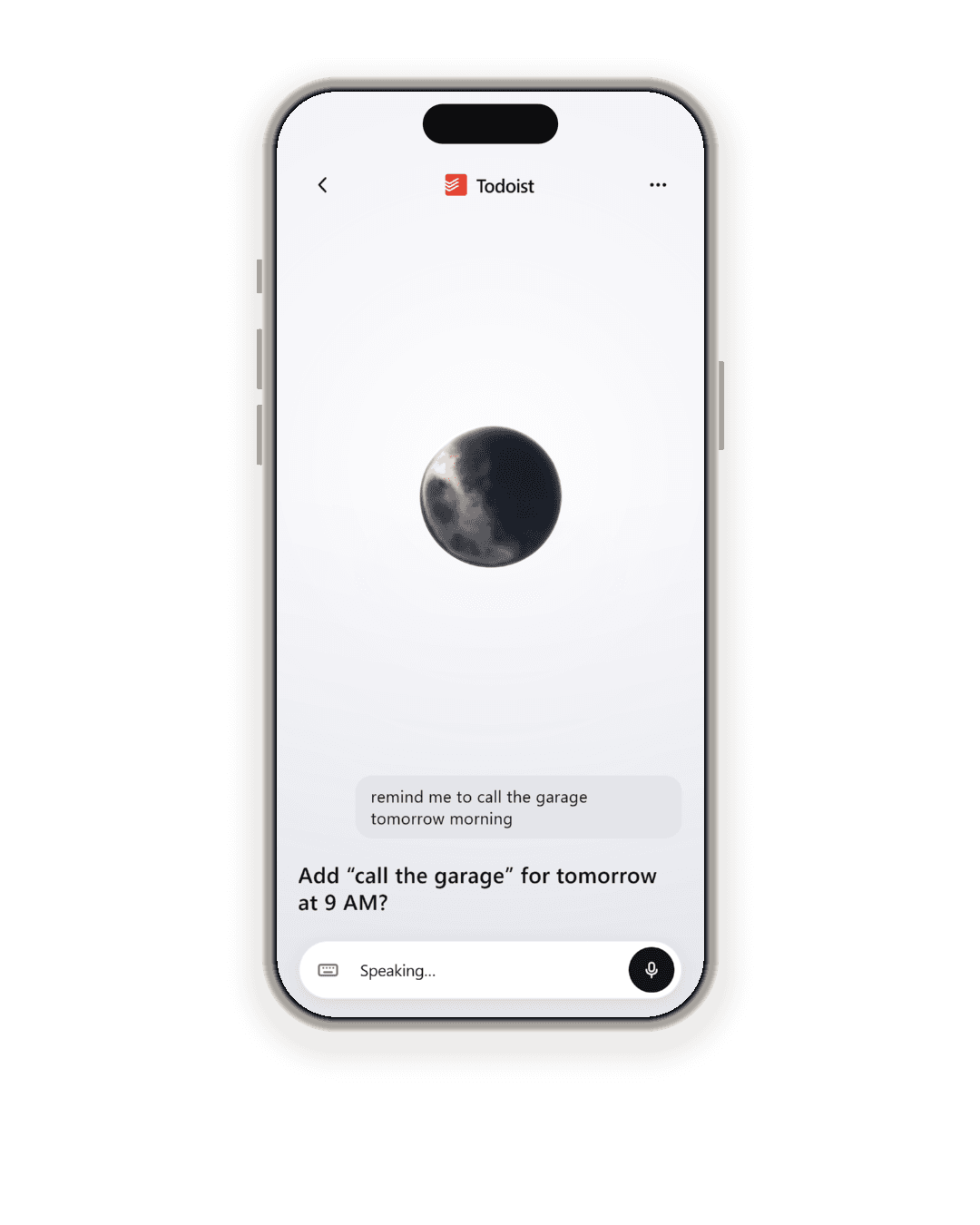
- Tasks: Remind me to call the garage. Todoist or Google Tasks: say it as you think it and it is on the list before the phone is back in your pocket. Ticking one off works the same way.
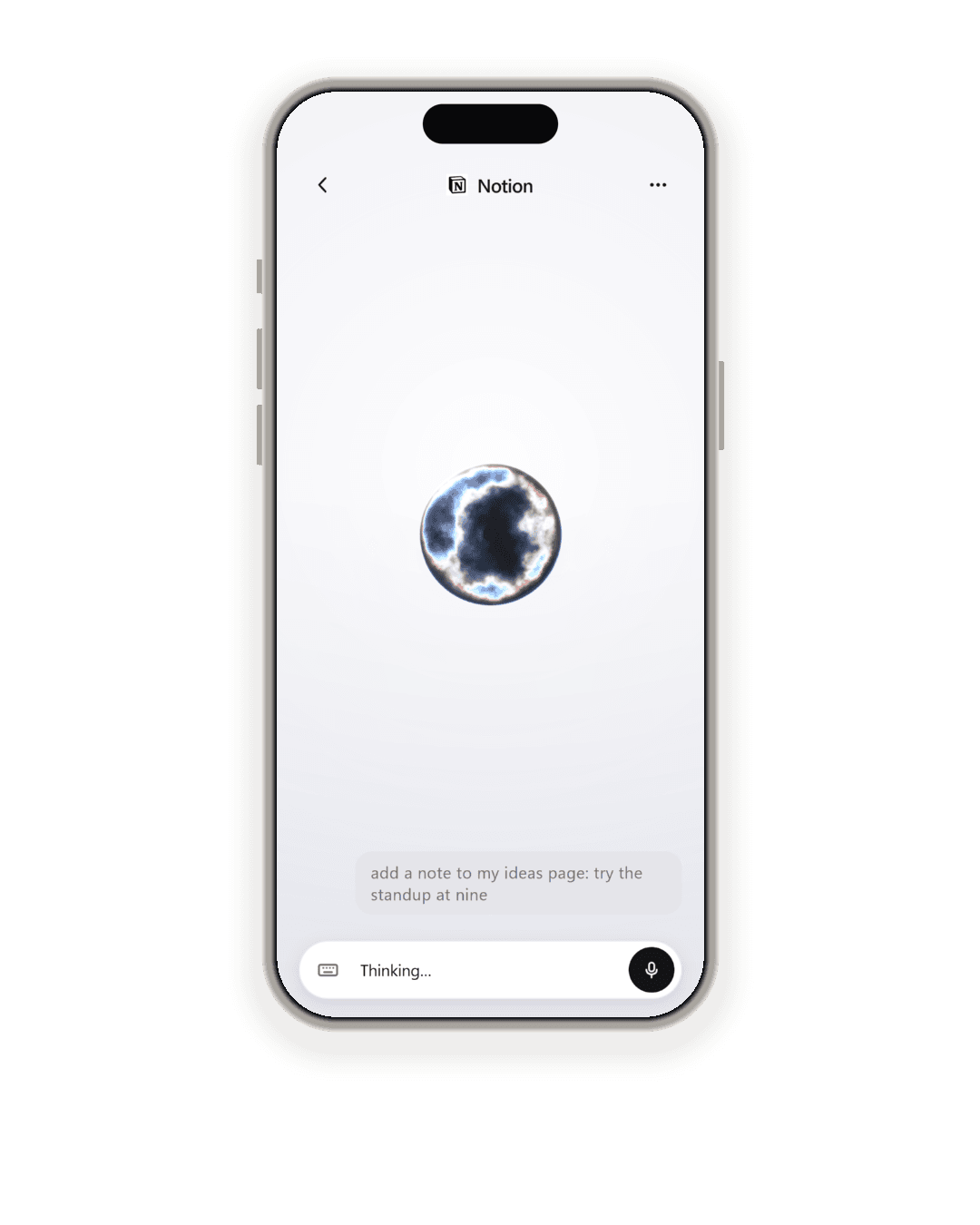
- Notes: Add that to my ideas page. Notion: find the page by name and put a line on it, read back before it lands. The thought survives the drive home.
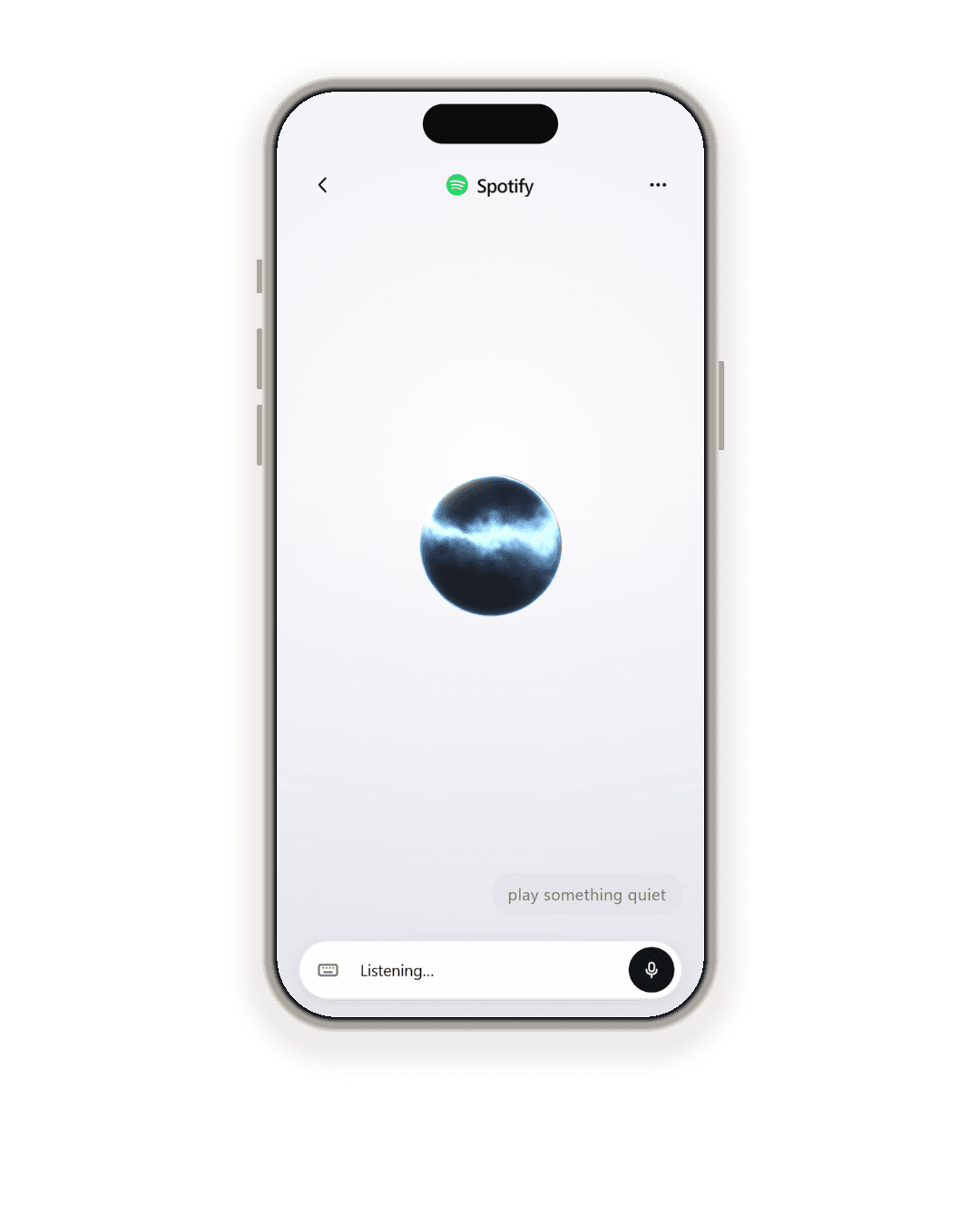
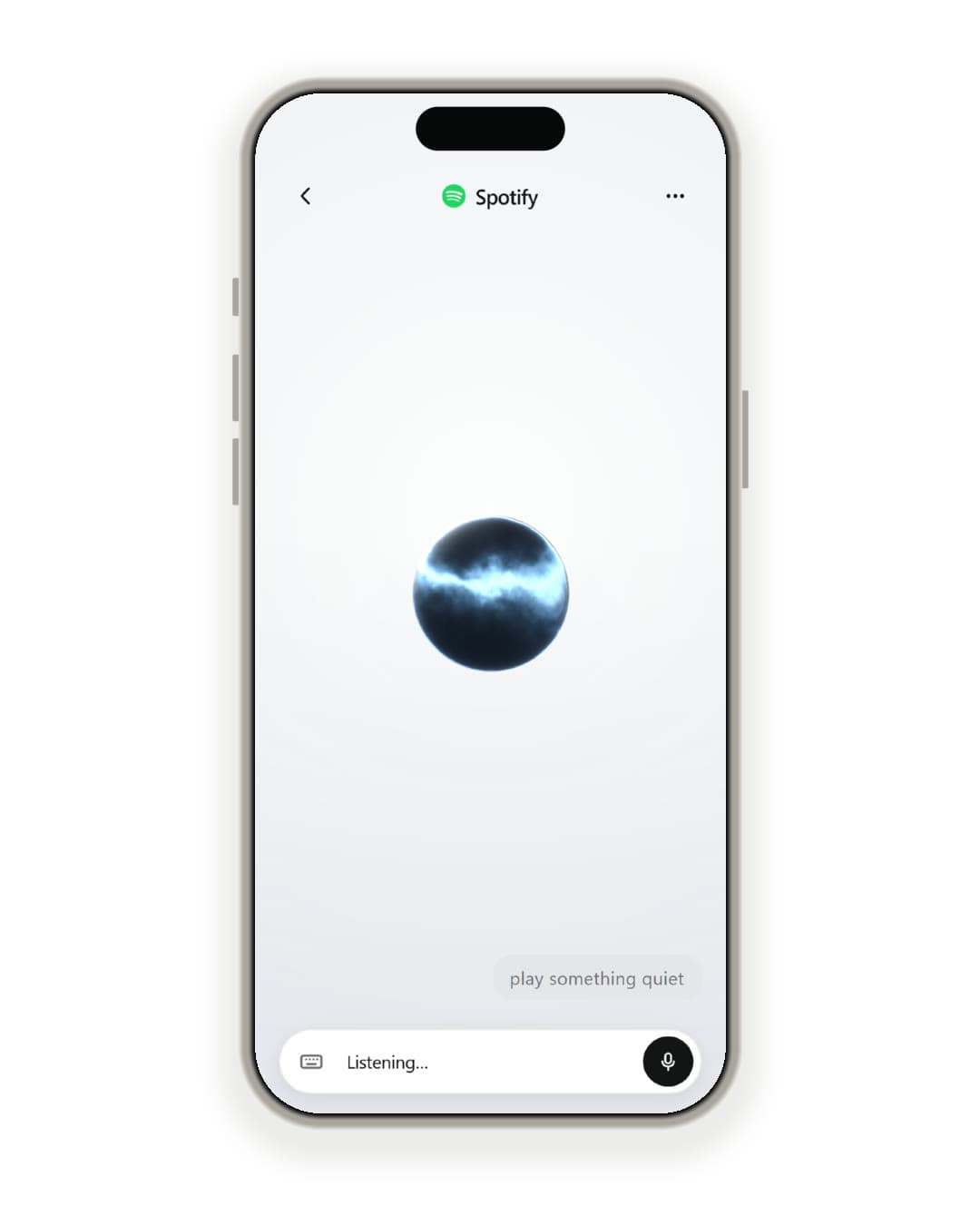
- Music: Play something quiet. Spotify: play, skip and queue without looking. Flour on your hands, a bike on the stand, a baby on your shoulder.
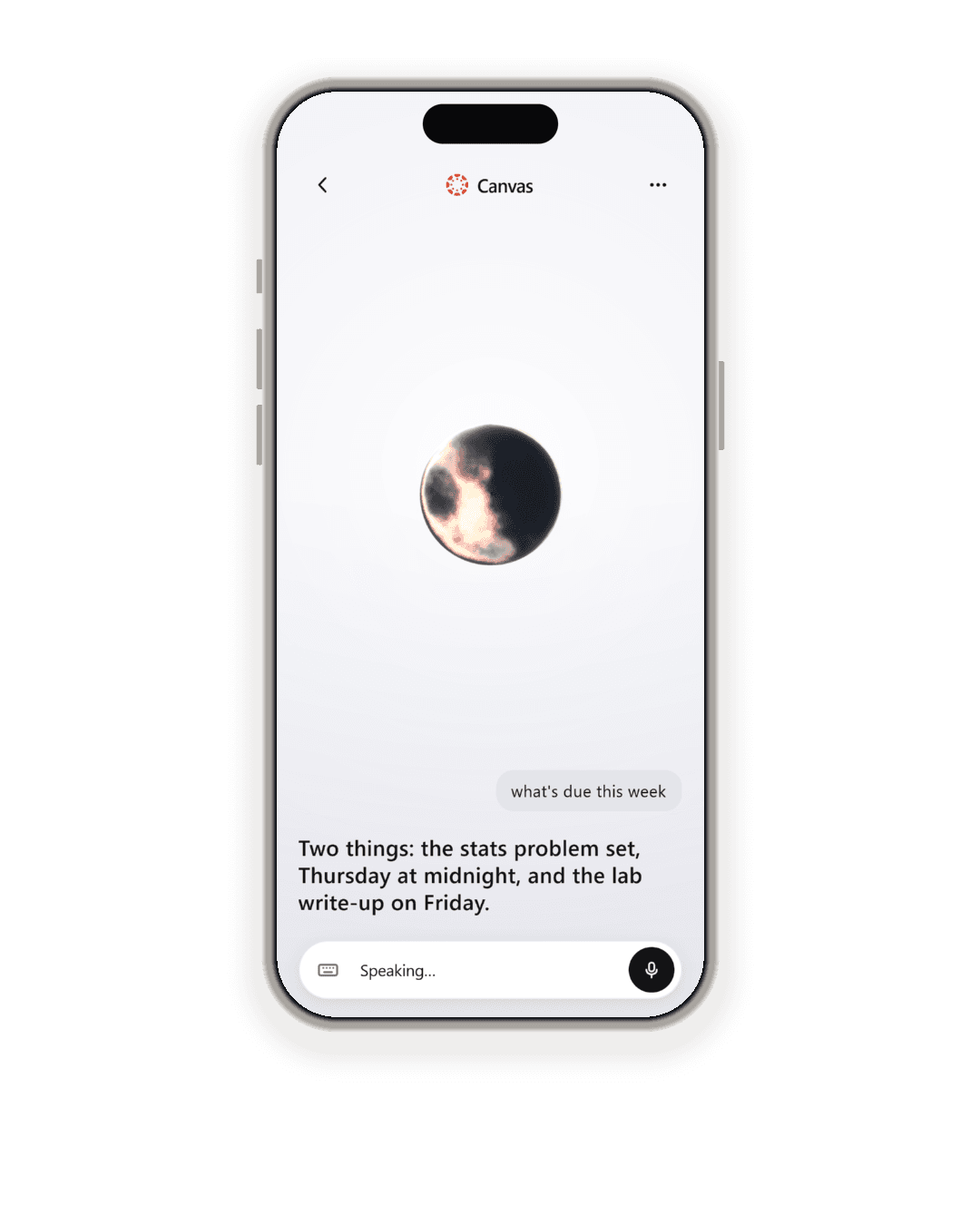
- School: What’s due this week? Canvas: what is due, and when, on the walk between classes. Deadlines said with the day, so nothing hides behind a date.
- Deals: Log a call with Priya. Salesforce: check a deal or log the call you just finished, while it is still fresh and before the next one starts.
- Your posts: How did my last video do? YouTube, Instagram, TikTok, Facebook, X: views, reach and comments on the thing you posted, read like a friend would.
- “It”: No, make it six. “It”, “that one”: Andromeda keeps what you were just talking about for ninety seconds, never across apps, and anything that acts still confirms.
- History: What did she say? Every session, as text, on your phone. Never uploaded. Forgotten after thirty days, and deletable one at a time or all at once.
Your hands are busy. Your phone isn’t.
One subscription. Every app.
Every app you connect, in one conversation, and the things that take two at once. The price is announced at launch.
| MemoquidSubscription | |
|---|---|
| Connected apps | Every app |
| Cross-app actions“Move my 3 PM and tell them I’m running late”: one sentence, two apps. | |
| Wake word runs on your phone | |
| Reads instantly, confirms before it writes | |
| No voiceprints, no speaker ID | |
| Session history stays on the phone | |
| Price | Announced at launch |
What she never does.
No voiceprints
Nothing about your voice is stored, matched or modelled. It costs nothing to promise and it is written into the code.
No speaker ID
Andromeda never learns who is talking, only what was said after the wake word.
No voice cloning
She has her own voice. Yours is never synthesised, sampled or kept.
Never acts unaddressed
A sentence with no wake word, heard while idle, could be something the room said. It does nothing.
Reads freely, writes with a yes
A lookup is never confirmed. A change always is, with the specifics named: both times on a move, the guest list on an invite.
Delete it and it’s gone
Session history lives on your phone, forgets itself after thirty days, and deletes on request, one or all.
Say it like you’d say it.
Mail, work, lists, school, music, your posts. No menu of commands to learn.

 Gmail
Gmail
 Slack
Slack
 Todoist

 Spotify
 YouTube
 Calendar
 Discord
 Google Maps
 Strava

 Outlook
 Notion
 Teams
Teams
 Salesforce
 Google Tasks
 Instagram
 Facebook
 TikTok
Questions, answered.
It is a personal AI agent you talk to: it turns what you say into things done in your apps. Say what you want, out loud, and Andromeda does it: reads you your inbox, moves a meeting, tells the team you’re running late, plays something quiet, adds the thing you just remembered to your list. No typing, no tapping through screens, no learning commands.
Calendar, Gmail, Outlook, Notion, Teams, Slack, Google Maps, Any website, Strava, Salesforce, Discord, Todoist, Google Tasks, Canvas, Spotify, YouTube, Instagram, Facebook, TikTok, x.com. Your mail and calendar, the tools you work in, your lists, your music, and how your own posts are doing. More are on the way, and the one question we ask when you join is which app you would connect first.
Yes. Ask about the world the way you would ask a friend, “what’s the news today”, “will it rain tonight”, “who won last night”, and she searches the web and answers in a sentence or two, naming where it came from. There is nothing to connect for it.
Yes. She opens the site and works it herself: searching, choosing, adding to a cart, filling in a form. She never types a password or a card number, and when a site wants you to sign in, she hands you the page to do it. Before the button that pays, books or sends, she stops, reads back what is in the order and the total, and waits for your yes.
Yes, in your words. She reads back who it goes to and exactly what it says, and sends it only when you say yes. Ask for two things at once, like “move my 3 PM to 4 and email Sarah that I’m running late”, and you get one question that names both.
If you let her. She learns how you like things from what you ask, so suggestions lean your way. It is encrypted to you, never shown to anyone else, switched off with one setting, and “forget that” removes the thing you mean. Deleting your account deletes all of it.
The conversation carries on. Switch apps or lock the phone and you can keep talking until you say you are done or it goes quiet; the lock screen shows only that she is listening, never what was said. The wake word itself works while the app is open.
No. Say it the way you would say it to a person: “what’s on tomorrow”, “anything from Priya”, “remind me to call the garage”. If she does not catch it, she says so and gives you an example that works, rather than making you guess.
Say her name, “Andromeda”, or tap the orb, then talk.
No. Anything that changes something, like moving a meeting, sending a message or placing an order, is read back to you with the specifics first, and nothing happens until you say yes. Anything that only reads, like your calendar, your inbox or the news, just happens.
You can talk to all three, and each has to be opened and tapped first; none starts from a wake word on iPhone. ChatGPT’s voice mode does not reach your apps at all, and Gemini Live reaches Google’s. Memoquid answers to its own wake word whenever the app is open, so there is nothing to tap; it works across the apps you already use, and reads every change back before it happens. The sourced, dated comparison is on the How it compares page.
It is a subscription: every app you connect, in one conversation, and the things that take two at once, like “move my 3 PM and tell them I’m running late”. There is no free tier. The price is announced at launch, and the waitlist hears first.
Only for the wake word, and that happens on your phone. Nothing leaves it until you have said the wake word.
No. Memoquid never stores a voiceprint, never enrols or identifies a speaker, and never clones a voice. After the wake word, your words go to a speech provider under a zero-retention contract, are turned into the request, and are not kept. It learns what was said, never who is talking.
Only the app open, never Siri. Open Memoquid on the counter, the dashboard or the desk, and from then on you only have to say its wake word, then what you want: nothing to tap, and nothing to go through first.
That is what it is for. It is tested against real room noise, not a quiet office, and everything can be done without touching the phone. It is good in a normal room and honest with you in a loud one.
It is in private beta on iPhone now. Places open in the order people joined, and you get one email when it is your turn. It arrives through TestFlight, which is Apple’s own free app for trying software before it reaches the App Store: you install that once, and Memoquid appears inside it.
One wake word. Every app you use.
Your mail, your calendar, your team’s chat, your lists, your music, your posts. Every app you connect, in one conversation, and the things that take two at once.
Hands free·Every app you use